Time tracking for freelancers who bill multiple clients
Every minute, accounted for.
Track hours by client, project and task, online or off, and export
timesheets to PDF or CSV. Pro gives each client their own Google
Calendar and turns a month of entries into a summary you can send them.
Free for up to 3 clients. Pro is a monthly or yearly subscription.
Demo video coming soon
What Makes It Different
Pro
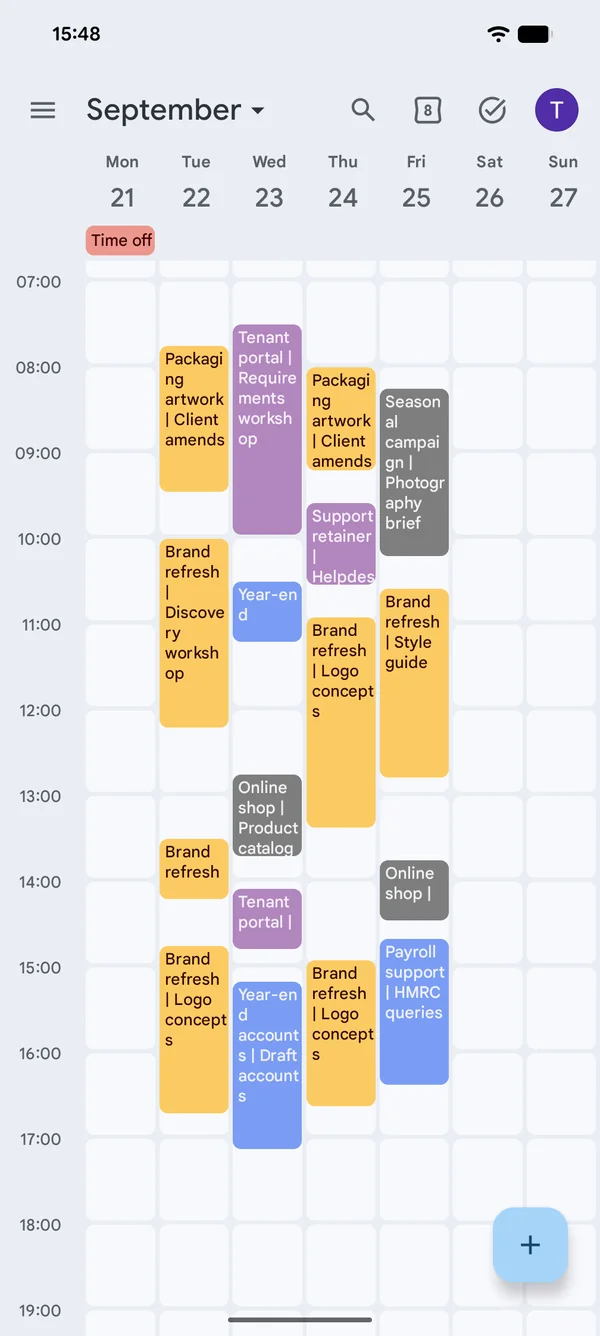
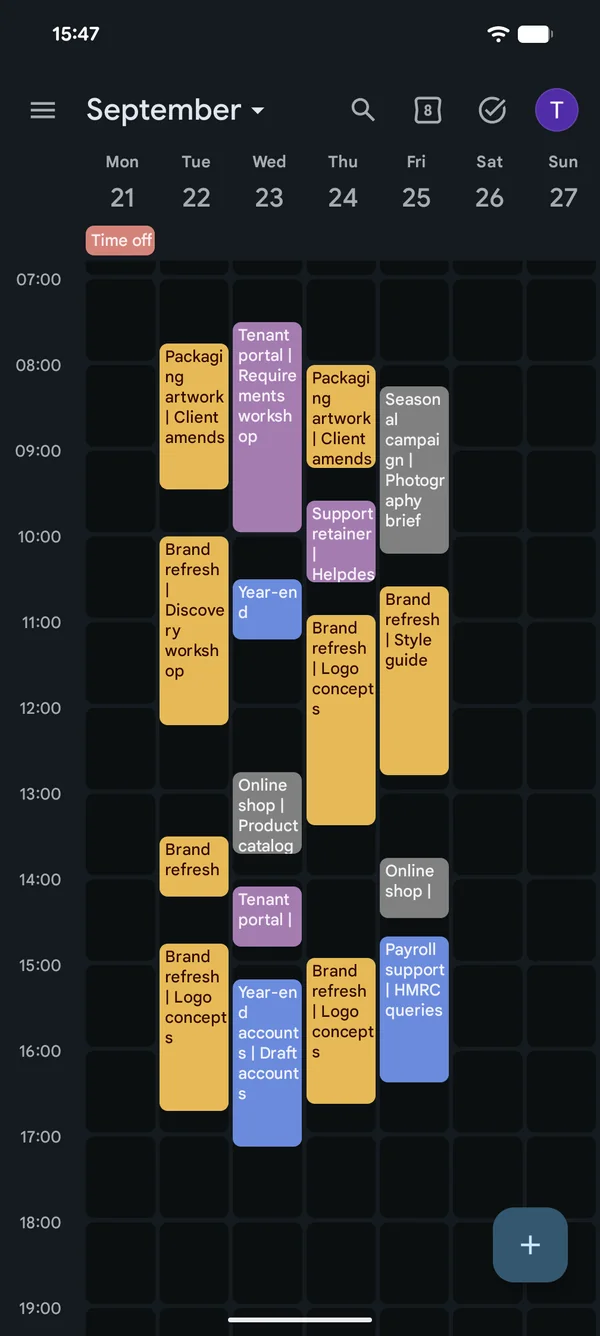
A Google Calendar per client
Each client gets its own calendar in your Google account, and
finished time entries appear in it within a minute or two. It keeps
working even when the app is closed.
Offline-first
Everything is saved on your phone first. Start a timer on a train or
log a day on a plane, and it syncs across your devices when you are
back online. A missing signal never costs you an entry.
Pro
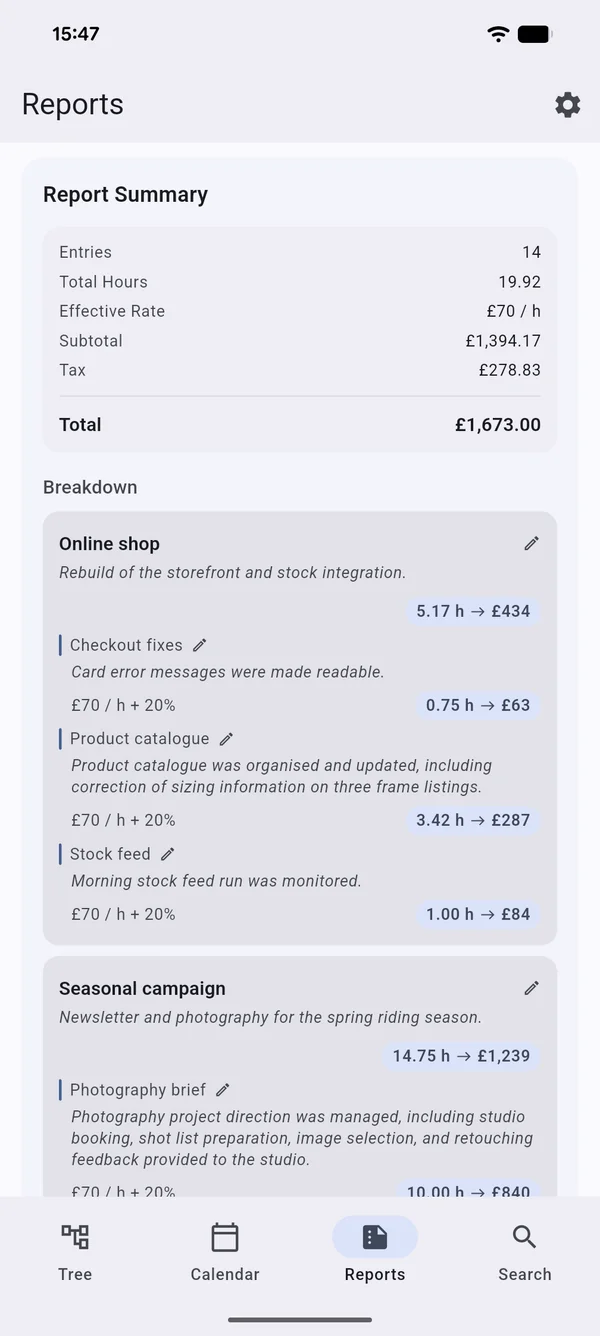
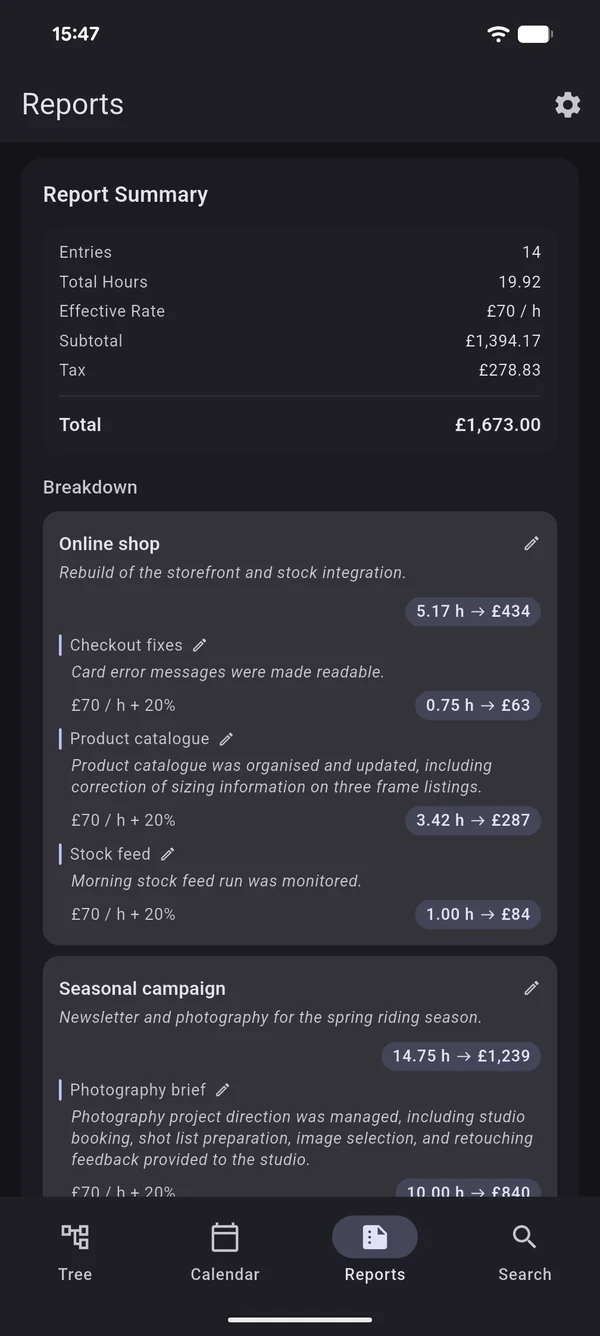
AI summaries for your clients
Turn a month of scattered entries into a short summary of what you
did, ready to send with the invoice.
Who It's For
Freelancers and consultants who bill multiple clients and need to show
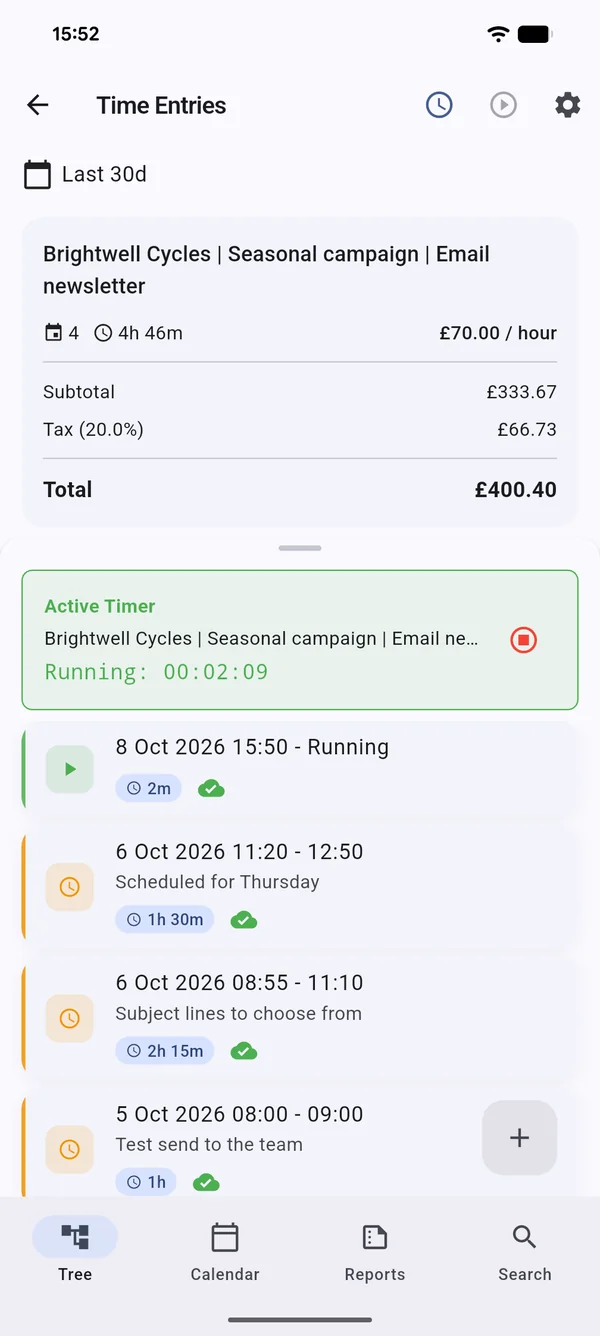
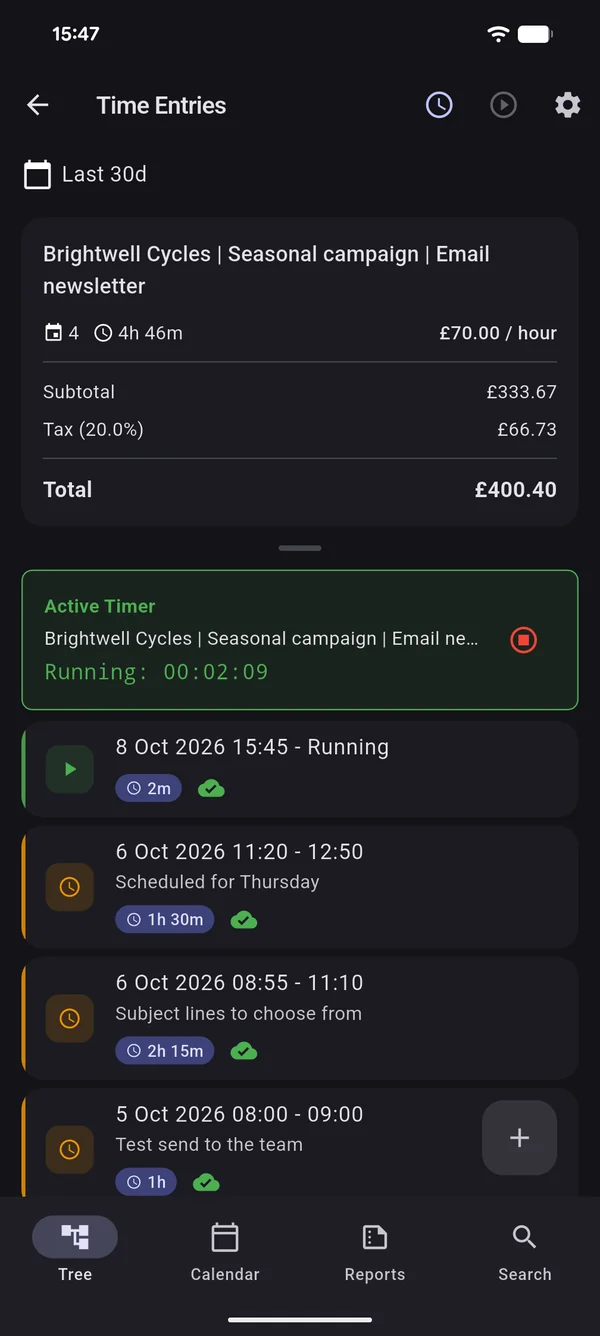
each of them where the hours went. Track time with a one-tap timer or
add entries by hand, organise work into clients, projects and tasks, and
set hourly or daily rates, tax and currency per client. Then export a
timesheet as PDF or CSV, with your company details on it, and share it
straight from the app.
Made for one person working solo, not for teams.
Available in English, German, Spanish, French, Italian, Portuguese,
Croatian, Serbian and Japanese.
Free and Pro
Free
3 clients, 3 projects per client and 3 tasks per project
Timer and manual entries
Offline use and sync across your devices
Timesheet reports exported to PDF or CSV
Hourly or daily rates, tax rate and currency per client
Weekly target hours, work schedules and public holidays
Pro
Everything in Free, plus:
Unlimited clients, projects and tasks
Google Calendar integration: your time entries appear in Google
Calendar, in a calendar for each client
AI summaries of your work for every client, project and task, with
nothing to set up
Monthly or yearly subscription, billed by Apple or Google. The price
for your country is shown in the store.
Get Time Tracker
Free for up to 3 clients.
Frequently Asked Questions
What does "offline-first" mean?
The app keeps your data on your phone and works from that copy, so
timers, entries and reports work without a connection. Changes are sent
to our servers and to your other devices when you are back online. You
do not have to do anything to make it sync.
Where does my data live?
On your device, for offline use, and in our cloud database (Supabase) so
it can sync between your devices. If you connect Google Calendar, the
calendars and events Time Tracker creates live in your Google account.
We never sell your data. The
Privacy Policy has the details.
How does calendar sync work?
Calendar sync is a Pro feature, and it is one way: from Time Tracker to
Google. Each client you choose to sync gets its own calendar, and
finished entries are added to it by our server, even when the app is
closed. Changes you make in Google Calendar are not copied back into the
app. Time Tracker can only create its own calendars and manage the
events in them. It cannot see or change any other calendar in your
Google account.
How do AI summaries work?
AI summaries are a Pro feature, and they are only written when you ask
for one. No API key is needed: the summary is written by Anthropic on
our behalf. If you prefer, you can use your own Anthropic, OpenAI,
Gemini or OpenRouter key instead, and the request goes straight from
your device to that provider.